This website uses cookies
Read our Privacy policy and Terms of use for more information.
Your Digest of .NET Updates, Tools, and Insights
Jul 6, 2026
Your Monthly Dive into .NET Updates.
.NET 11 Preview 5 is now available!
.NET 11 Preview 5 continues the platform’s next major release cycle with updates across the runtime, SDK, libraries, ASP.NET Core, .NET MAUI, C#, and Entity Framework Core. This release introduces improvements such as JSON Lines support in System.Text.Json, full outer joins in LINQ, SDK-level vulnerability and end-of-support checks, a new MCP Server template, Blazor SSR client-side validation, QuickGrid improvements, and early C# language features including closed class hierarchies and union declarations. For teams already tracking .NET 11, Preview 5 gives a clearer view of where the platform is heading before the stable release.
.NET Blog • .NET Team
.NET and .NET Framework June 2026 servicing releases updates
Microsoft’s June 2026 servicing update delivers the latest security and reliability fixes for supported .NET and .NET Framework versions. The release includes updates for .NET 10, .NET 9, and .NET 8, along with installer packages, binaries, container images, Linux packages, release notes, and known issue details. For production environments, these servicing releases are important because they help keep applications aligned with current security fixes and supported runtime versions.
.NET Blog • Rahul Bhandari (MSFT) | Tara Overfield
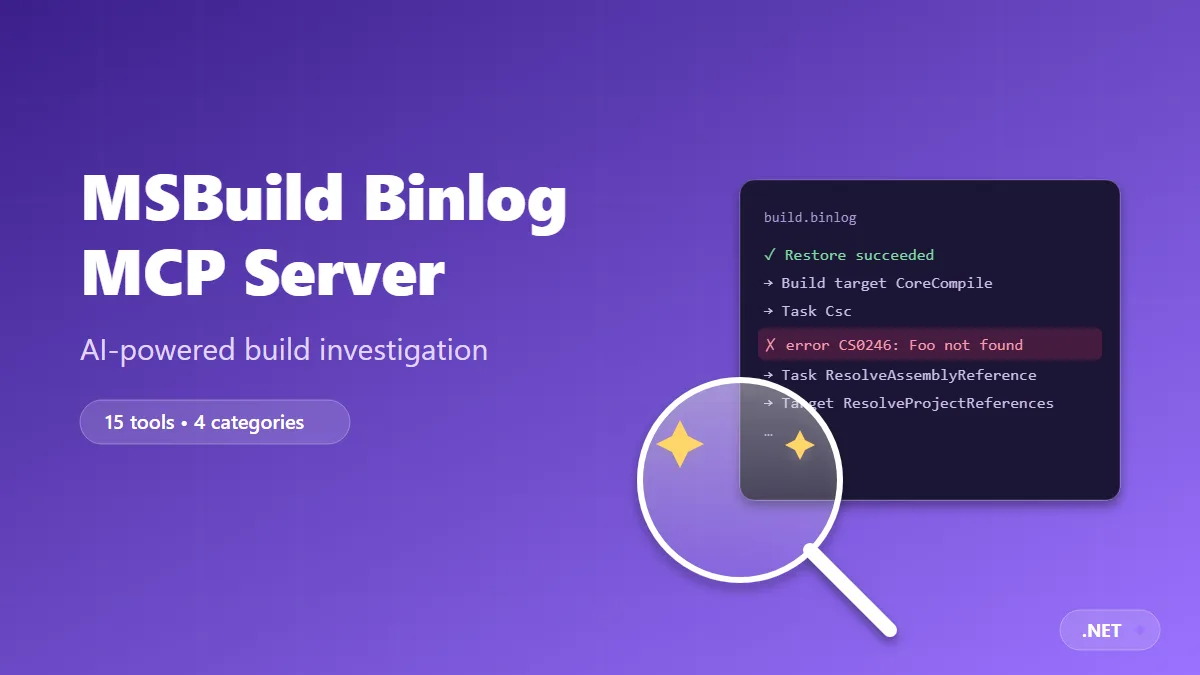
AI-Powered MSBuild Investigation with the Microsoft Binlog MCP Server
Microsoft introduces the Binlog MCP Server, a new way to make MSBuild binary logs accessible to AI assistants through the Model Context Protocol. Instead of manually opening .binlog files and searching through build output, developers can ask an assistant to investigate build failures, analyze project properties, compare builds, inspect embedded files, and identify performance bottlenecks. This is a practical example of how MCP can bring deeper tooling context into everyday .NET development workflows.
.NET Blog • Jan Krivanek | Yuliia Kovalova
Stop overloading your skills
Waldek Mastykarz explains why AI coding skills should be focused, intentional, and lightweight. The article argues that adding too much guidance, documentation, or duplicated knowledge into a skill can reduce the quality of agent output by consuming valuable context and increasing noise. Instead, teams should evaluate what the model already handles well, identify the real gaps, and provide only the instructions that improve performance. It is a useful reminder that better AI workflows are not always created by adding more context.
Microsoft for Developers • Waldek Mastykarz
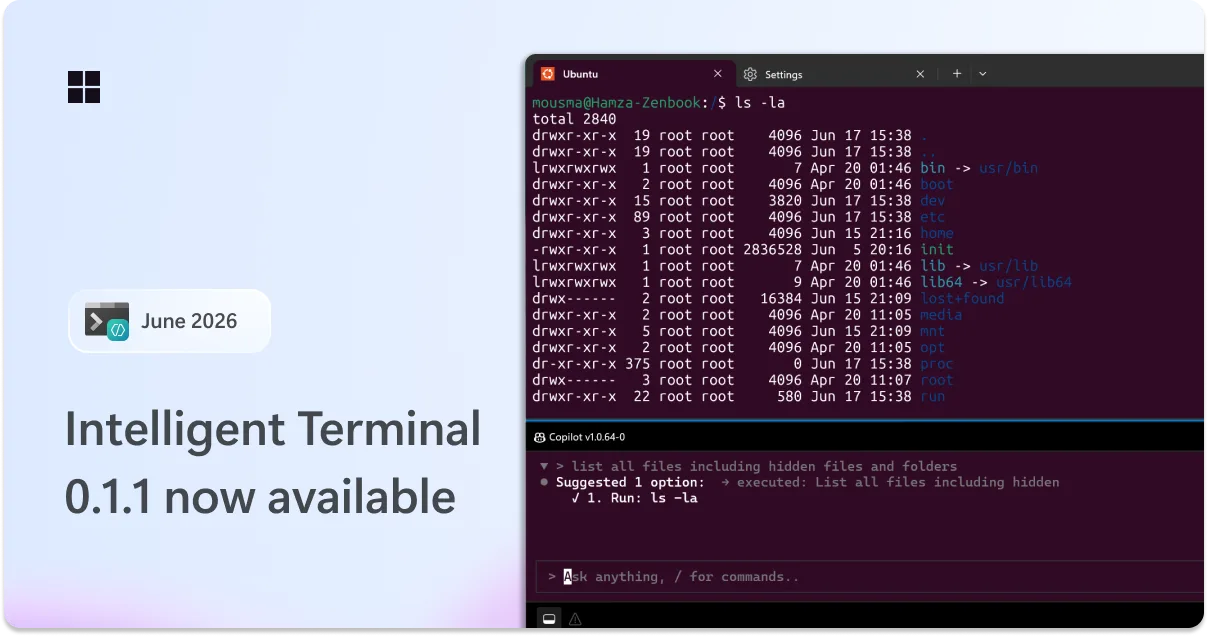
Intelligent Terminal 0.1.1 is here: bash support, new slash commands, and more customization
Intelligent Terminal 0.1.1 expands Microsoft’s AI-assisted terminal experience with Bash and WSL support, automatic error detection, and new slash commands. The update adds /fix for on-demand troubleshooting, /model for switching models during a session, Windows 10 support, customization options for the agent pane, and several usability improvements. This release makes Intelligent Terminal more useful for developers who work across Windows, Linux shells, and AI-assisted command-line workflows.
Windows Command Line • Hamza Usmani
Improving token efficiency for GitHub Copilot in VS Code
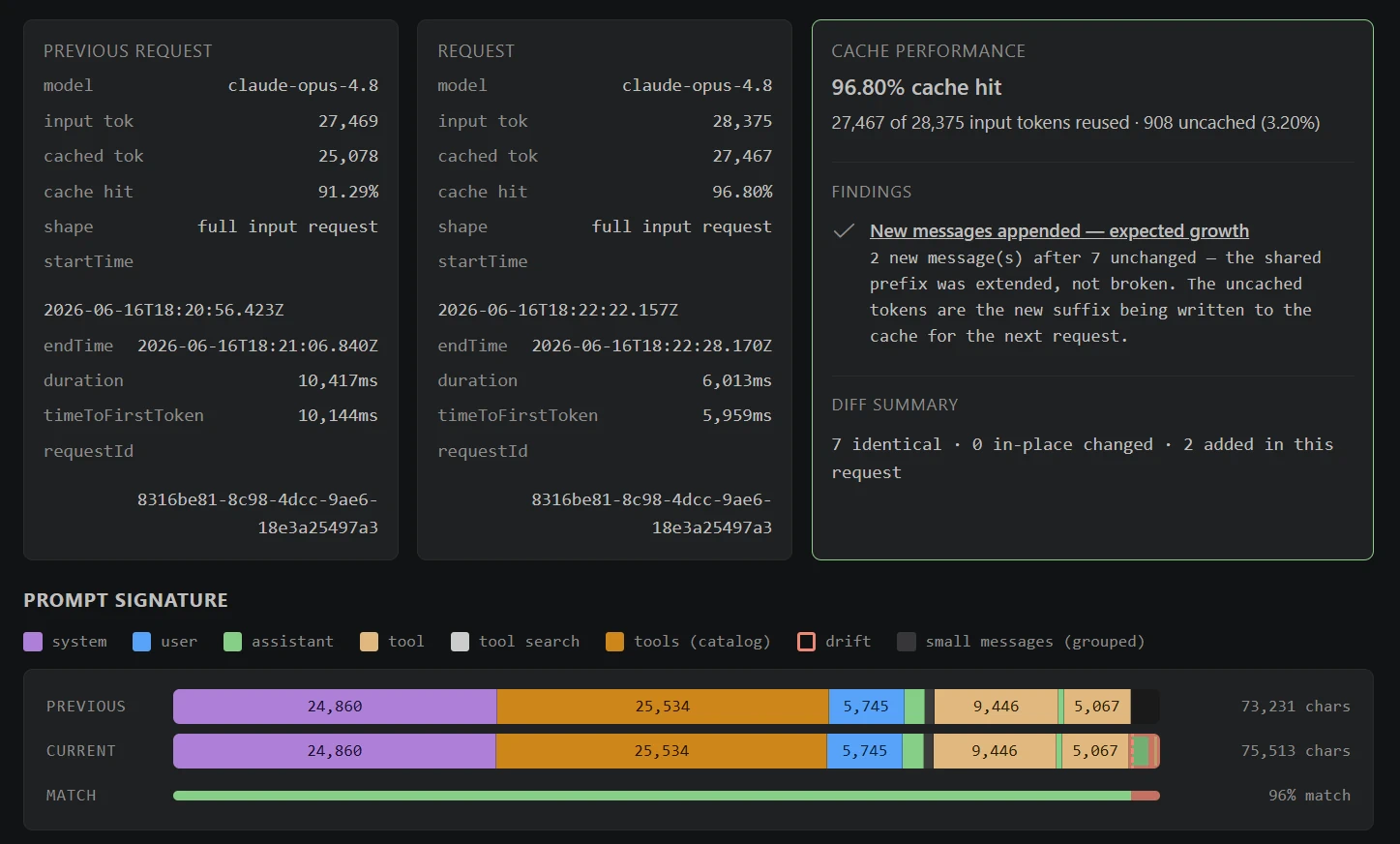
The VS Code team details how GitHub Copilot is becoming more efficient in agentic coding sessions by reducing unnecessary token usage and improving latency. The article covers improvements such as extended prompt caching, tool search, persistent WebSocket transport, and smarter handling of tool definitions. These changes are especially important as AI coding agents take on longer tasks, where every repeated instruction, tool schema, and context update can affect cost, speed, and available working memory.
Ryan Caldwell | Bhavya U
EF Core in Clean Architecture the Pragmatic Way
Anton Martyniuk takes a practical look at how Entity Framework Core fits into Clean Architecture. Instead of treating repository abstractions as mandatory, the article explains when direct DbContext usage can make an application simpler, clearer, and easier to maintain. It also discusses where repositories still make sense and how teams can keep architecture boundaries clean without adding unnecessary layers. This is a useful read for .NET developers who want clean design without overengineering their data access layer.
Anton Dev Tips • Anton Martyniuk
Coravel Task Scheduling in .NET
Nikola Knezevic introduces Coravel as a lightweight option for scheduling background tasks in .NET applications. The article walks through registering the scheduler, defining recurring jobs, creating invocable tasks, and using background queues for deferred work. Coravel can be a good fit for applications that need simple scheduling and background processing without immediately introducing a separate worker service, message broker, or more complex infrastructure.
Nikola Knezevic
.NET 8 and .NET 9 will reach End of Support on November 10, 2026
Microsoft announced that both .NET 8 and .NET 9 will reach end of support on November 10, 2026. After that date, these versions will no longer receive servicing updates, security fixes, or technical support. The recommended path is to move to .NET 10, an LTS release supported through November 2028. For organizations running .NET 8 in production or planning migrations around .NET 9, this announcement is an important signal to start upgrade planning early.
.NET Blog • Rahul Bhandari (MSFT)
Packaging and Package Identity for .NET apps with WinApp CLI on Windows
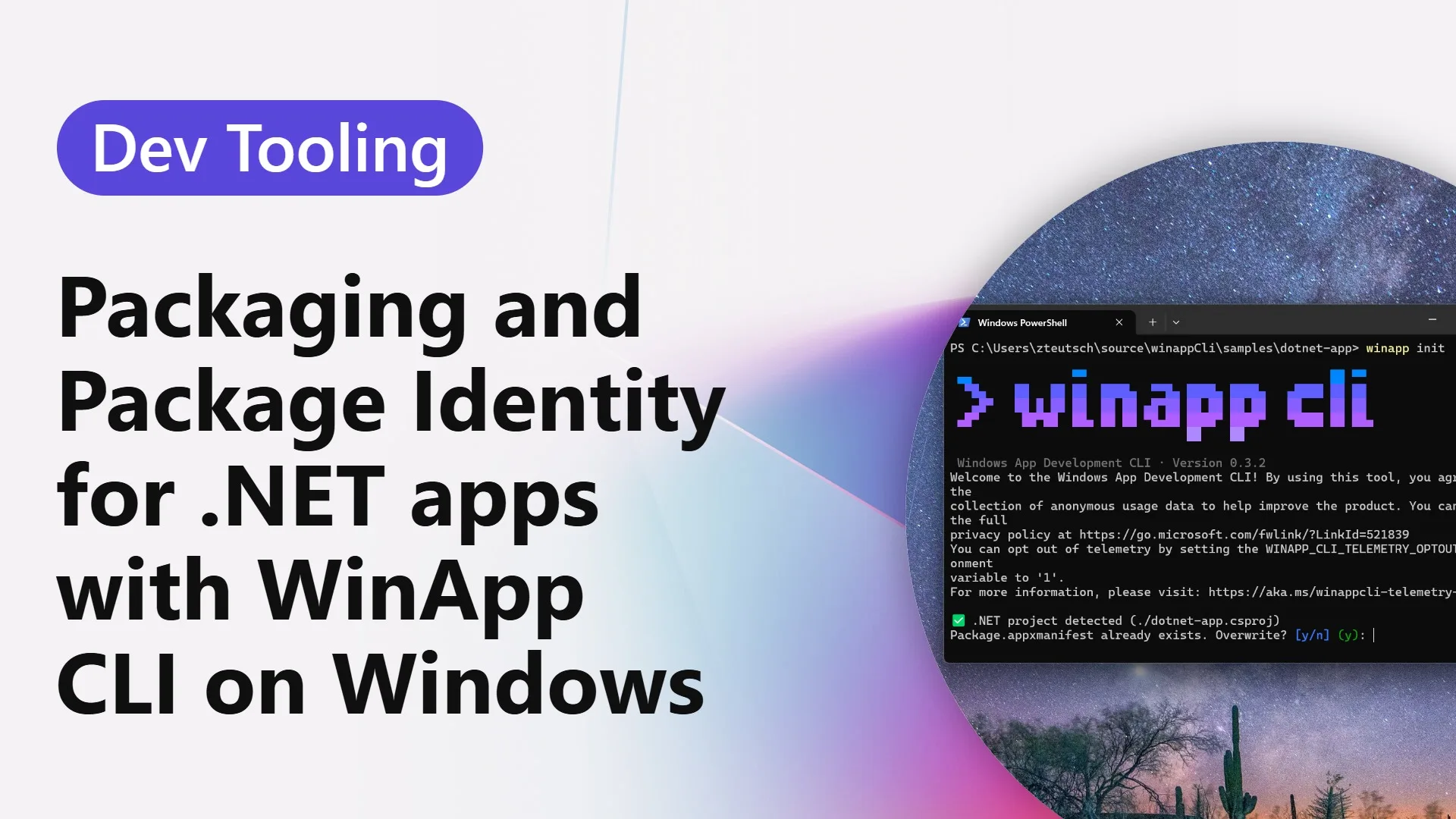
This article explains how WinApp CLI helps .NET desktop applications gain package identity on Windows. Package identity is increasingly important because it unlocks access to Windows platform features such as push notifications, background tasks, file handlers, share targets, and Windows AI APIs. The post shows how developers can initialize a project, run an app with identity during development, and package the application as MSIX. It is especially relevant for teams building modern Windows desktop apps with .NET.
.NET Blog • Zachary Teutsch
Entity Framework Extensions Options
Nikola Knezevic explores advanced configuration options available in Entity Framework Extensions. The article goes beyond basic bulk operations and shows how developers can control insert behavior, column mapping, key selection, update rules, graph operations, batching, synchronization, auditing, logging, events, and transactions. For applications that process large datasets or complex imports, these options can help balance performance, safety, and maintainability in real-world EF Core workflows.
10 Tools That Will Make Developers More Productive in 2026
Anton Martyniuk shares a curated list of tools aimed at improving developer productivity in 2026. The article focuses on modern workflows around AI coding agents, planning, code review, automation, development environments, and day-to-day engineering efficiency. Rather than presenting productivity as a single tool choice, it highlights how developers can combine the right tools to reduce repetitive work, improve focus, and move faster across software delivery tasks.
MCP Beyond the Chat Window: Build Diagnostics in CI - .NET Blog
Microsoft shows how the Binlog MCP Server can be used beyond local AI chat by integrating build diagnostics directly into CI workflows. The article demonstrates how an agent can analyze MSBuild binary logs from a failed GitHub Actions run, identify the likely root cause, and provide a clear explanation inside the pull request. This is a strong example of MCP moving from experimentation into practical engineering automation, especially for teams managing complex .NET builds.
.NET Blog • Jan Krivanek
Login or Subscribe to participate